Scan it. Understand it. Remember it.
Take a photo of an important letter. MAILoni explains what it means in plain words, in the language you prefer. It also helps you remember the dates that matter.
Works in your phone's browserNo App Store download
One image. Three simple steps.
Take a photo or choose one from your library. Get a clear explanation of what it says. Keep it organized with everything else you've scanned.
Scan or upload
Take a photo, or choose an image from your phone's photo library.
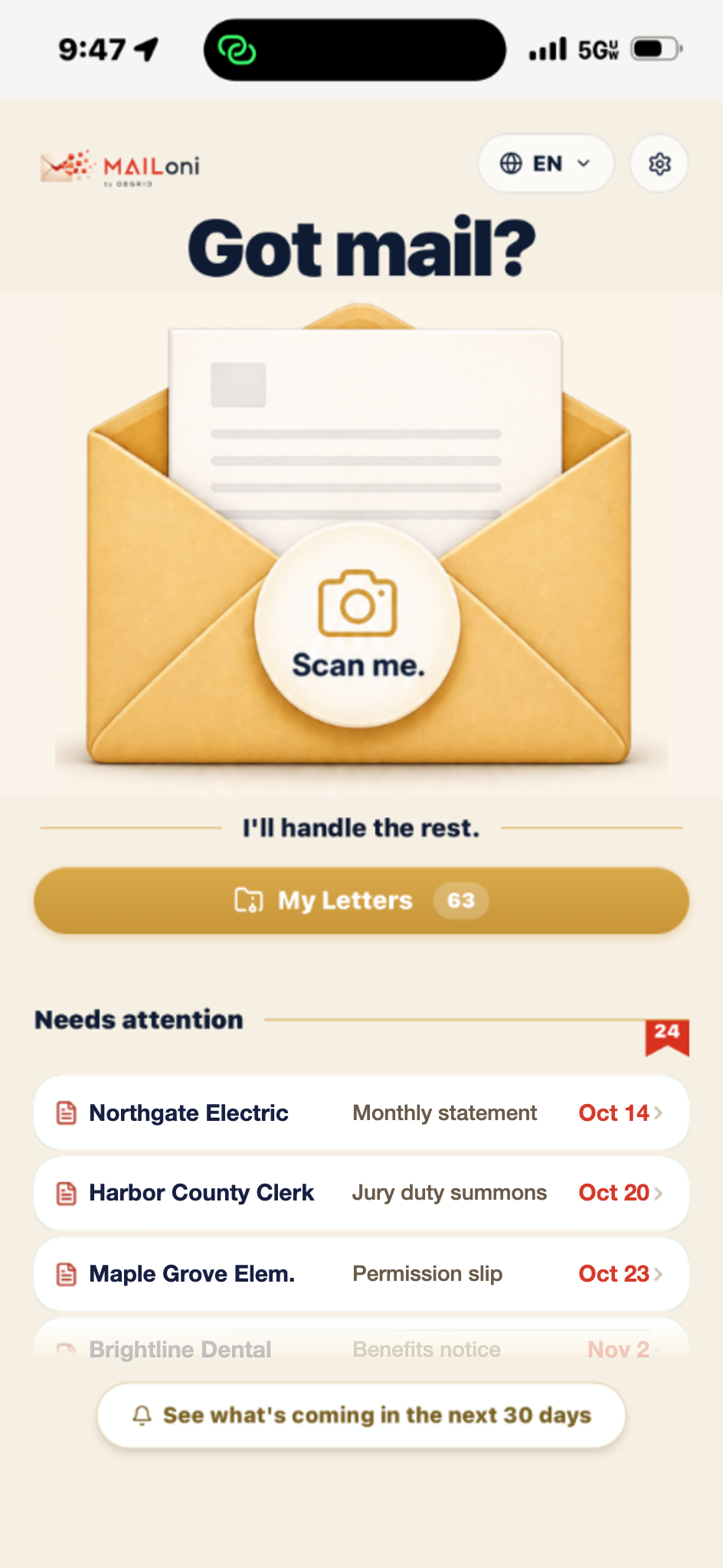
Understand
MAILoni analyzes the content, highlights important information, and gives you a clear summary.
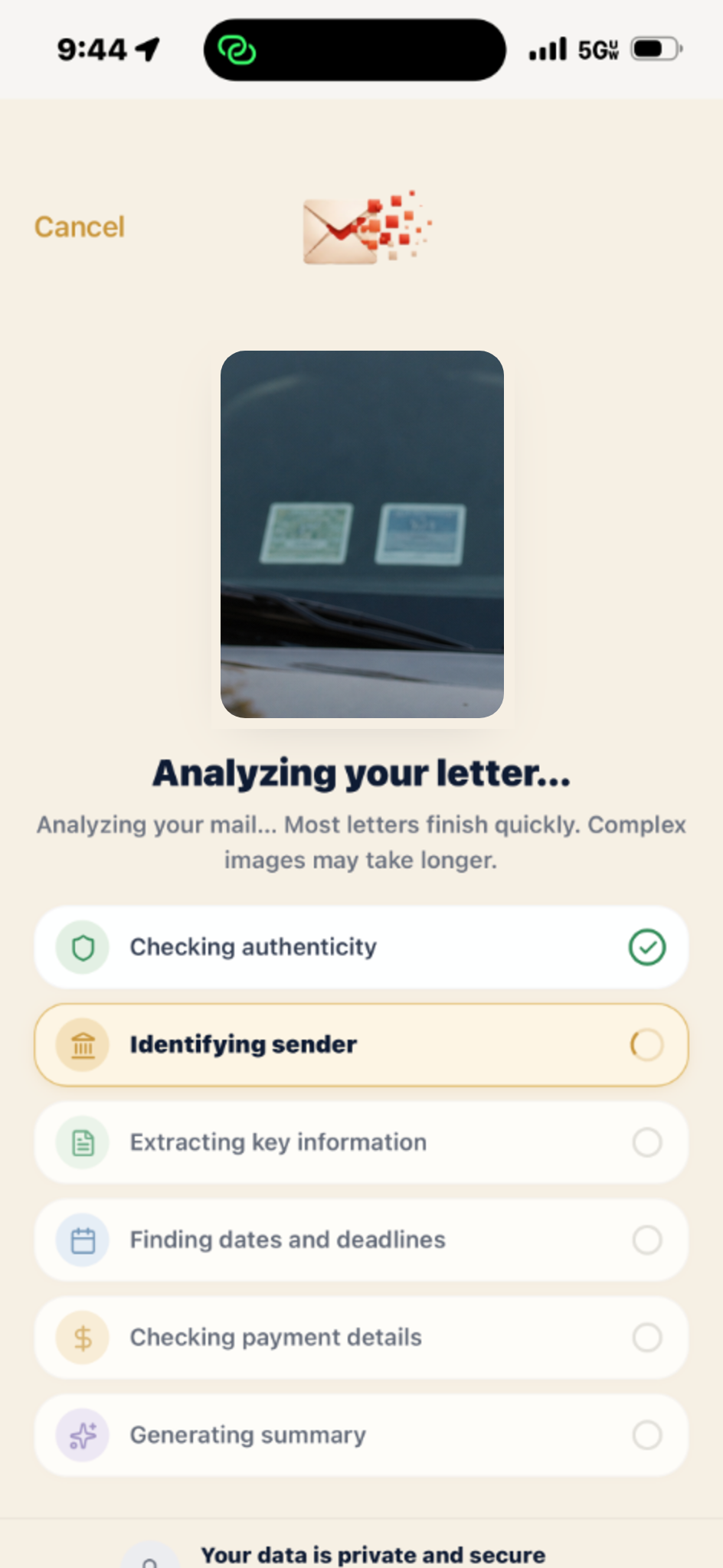
Remember
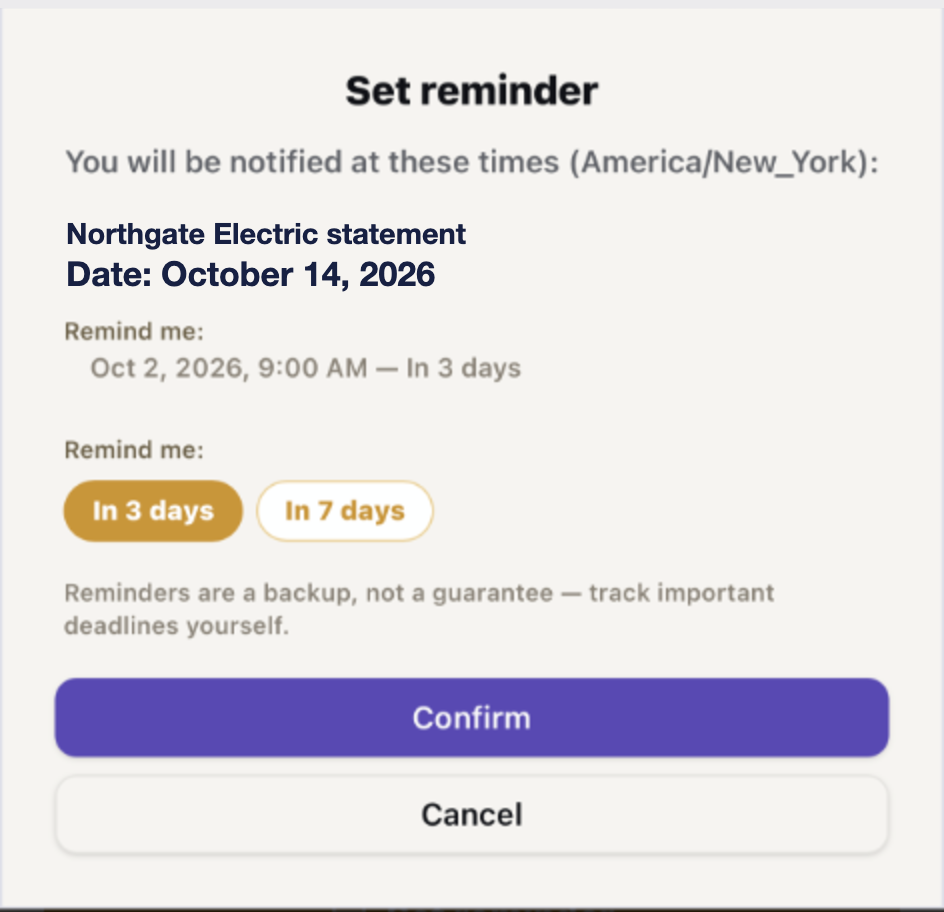
Set a reminder for a date that matters. The letter stays saved in My Letters.
English letter. Your language.
The letter doesn't have to be in the language you think in. MAILoni can explain it in the one you prefer.
Dear Parent or Guardian,
Grade 3 will visit the Anytown Science Museum on Thursday, October 30. Students must return a signed permission form and the $12.00 activity fee to the classroom teacher no later than Thursday, October 23. Students without a signed form will remain at school.
La clase de su hijo irá al museo de ciencias el 30 de octubre. Para que pueda ir, firme la autorización y devuélvala con la cuota de $12 antes del 23 de octubre.
Not everything important comes in an envelope.
Letters come first. But some important dates live on a windshield, a sticky note or a message thread.
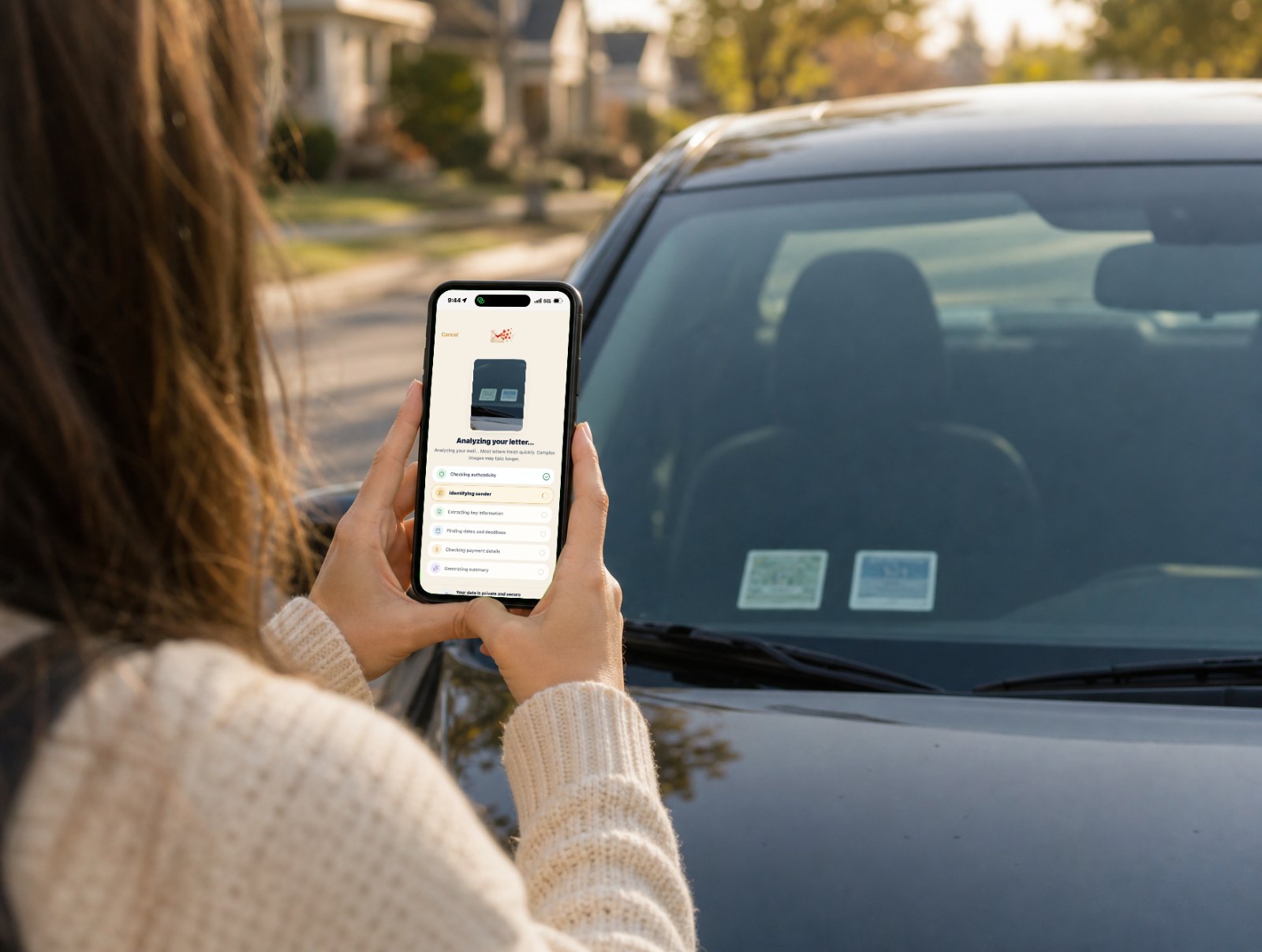
The stickers on your windshield.
Photograph your inspection and registration stickers with MAILoni. It can help identify important dates and keep the information where you can find it again. You can also set a reminder if you want one.
by Friday, October 16, 2026
Not sure it's real? MAILoni flags possible warning signs.
As it reads, MAILoni looks for signs that often appear in scam letters and messages. It points out what it noticed so you can take a closer look.
- 1Pressure to act right nowThreats, countdowns and “final notice” urgency.
- 2Unusual ways to payGift cards, wire transfers, payment apps.
- 3Contact details that don't add upOdd web addresses, personal numbers, “don't call your bank.”
MAILoni points out possible warning signs. It can't confirm whether something is a scam. If in doubt, contact the organization using a number you already trust.
Your letters. One place. Whenever you need them.
Keep your scanned letters together in MAILoni, not scattered around the house. Return to your history anytime and search by sender, category or date.
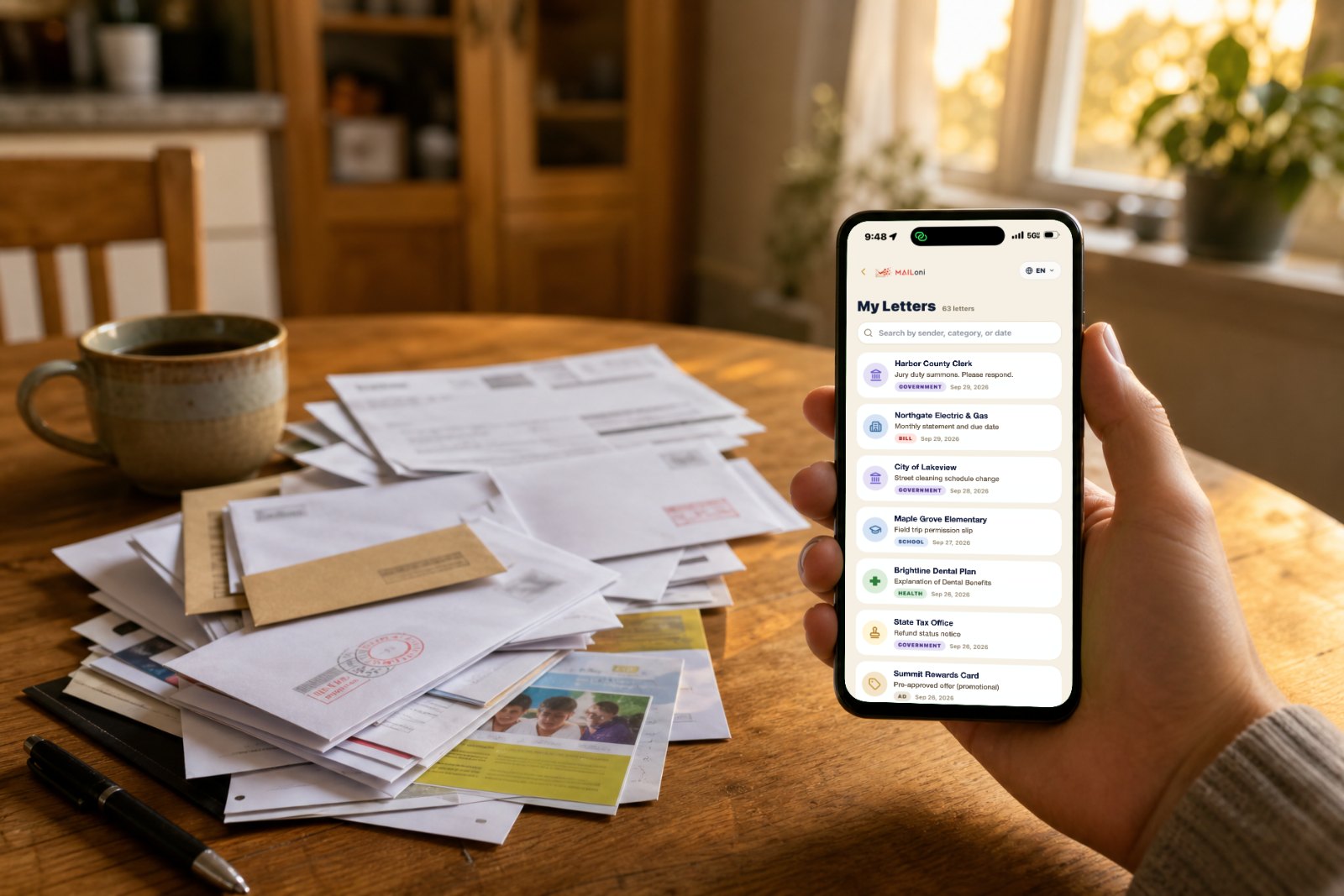
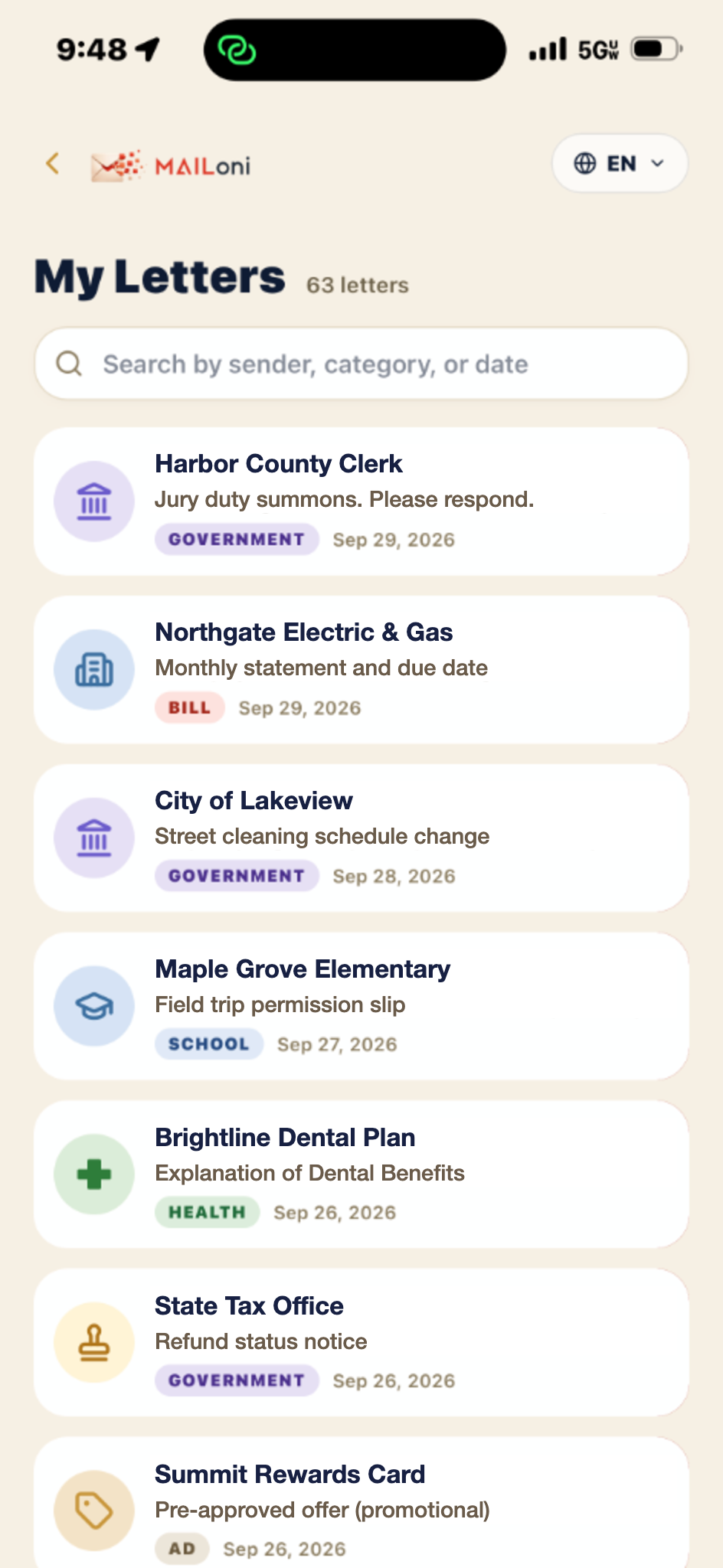
- Always in your historyEvery letter you scan stays in My Letters for as long as you keep it in your account.
- One app, not five drawersBills, school notices and benefits letters live together instead of around the house.
- Search when you need itFind a past letter by sender, category or date, and open its explanation again.
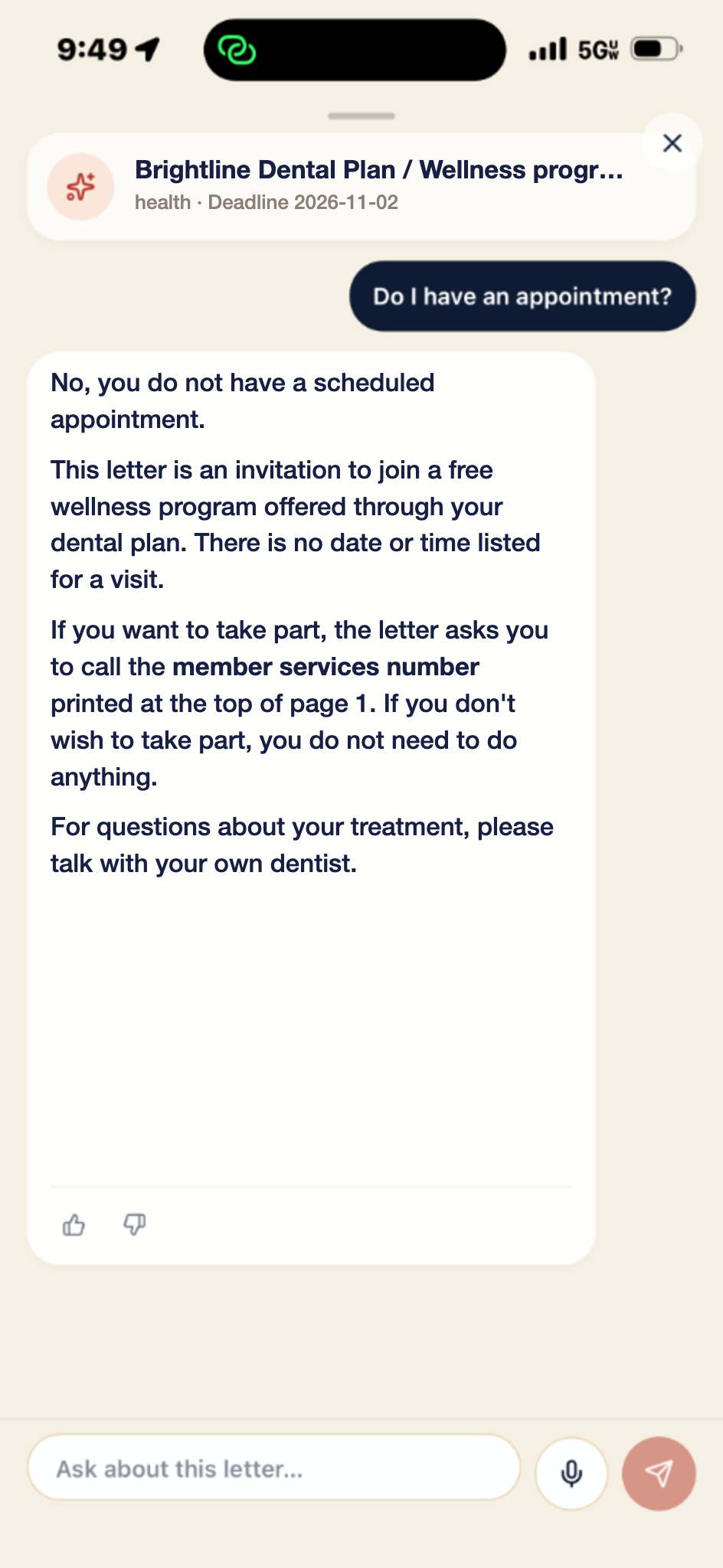
What's coming up, right where you'll see it.
You don't have to keep every date in your head. MAILoni keeps the important ones in view.
Private by design.
Read our Privacy Policy and Consumer Health Data Privacy Notice.
Your scanned letters are kept in private storage.
Your scanned letters are encrypted in transit and at rest.
We do not sell your personal information.
Delete any letter, or your whole account, at any time in the app.
Good to know.
Is MAILoni currently free?
MAILoni is currently available with introductory free access. Sign in with your email, Google or Apple to get started.
Which languages does MAILoni support?
MAILoni currently supports 16 languages: English, Spanish, Chinese, Hindi, Ukrainian, French, German, Italian, Portuguese, Polish, Armenian, Vietnamese, Korean, Japanese, Arabic and Russian.
Choose your preferred language from the language menu in the app. Your letters can be in English while explanations appear in the language you choose.
Is my information private?
Your scanned letters are kept in private storage and are encrypted in transit and at rest. We do not sell your personal information. You can delete any letter, or your whole account, at any time in the app.
For full details, read our Privacy Policy and Consumer Health Data Privacy Notice.
Does MAILoni provide legal, medical, or financial advice?
No. MAILoni helps you understand what a letter says and what it may be asking of you. Explanations can be incomplete or wrong, so check important details against the original. For legal, medical, financial or other professional decisions, talk with a qualified professional.
Does MAILoni work on iPhone and Android?
Yes. MAILoni is a web app. Open it in your phone's browser (Safari on iPhone, Chrome on Android) and sign in. There's nothing to download from an app store.
How do I add MAILoni to my Home Screen?
You can scan and read letters right in the browser. Adding MAILoni to your Home Screen lets you open it like an app and allow reminder notifications. On iPhone, Home Screen web push notifications require iOS 16.4 or later. Add MAILoni to your Home Screen before enabling notifications.
iPhone (Safari): tap the Share button, then “Add to Home Screen.” Open MAILoni from the new icon and allow notifications when asked.
Android (Chrome): tap the ⋮ menu, then “Add to Home screen” or “Install app.”
Know what it says. Remember what matters.
Scan your next letter and get a clear explanation in plain words. See the important dates, set a reminder if you want one, and find the letter again anytime.